
GMS / Garage management
Every vehicle. Every job. One history.
ZenSys GMS connects customer and vehicle records to job cards, service and payment history, compatible spare parts, and the people doing the work.
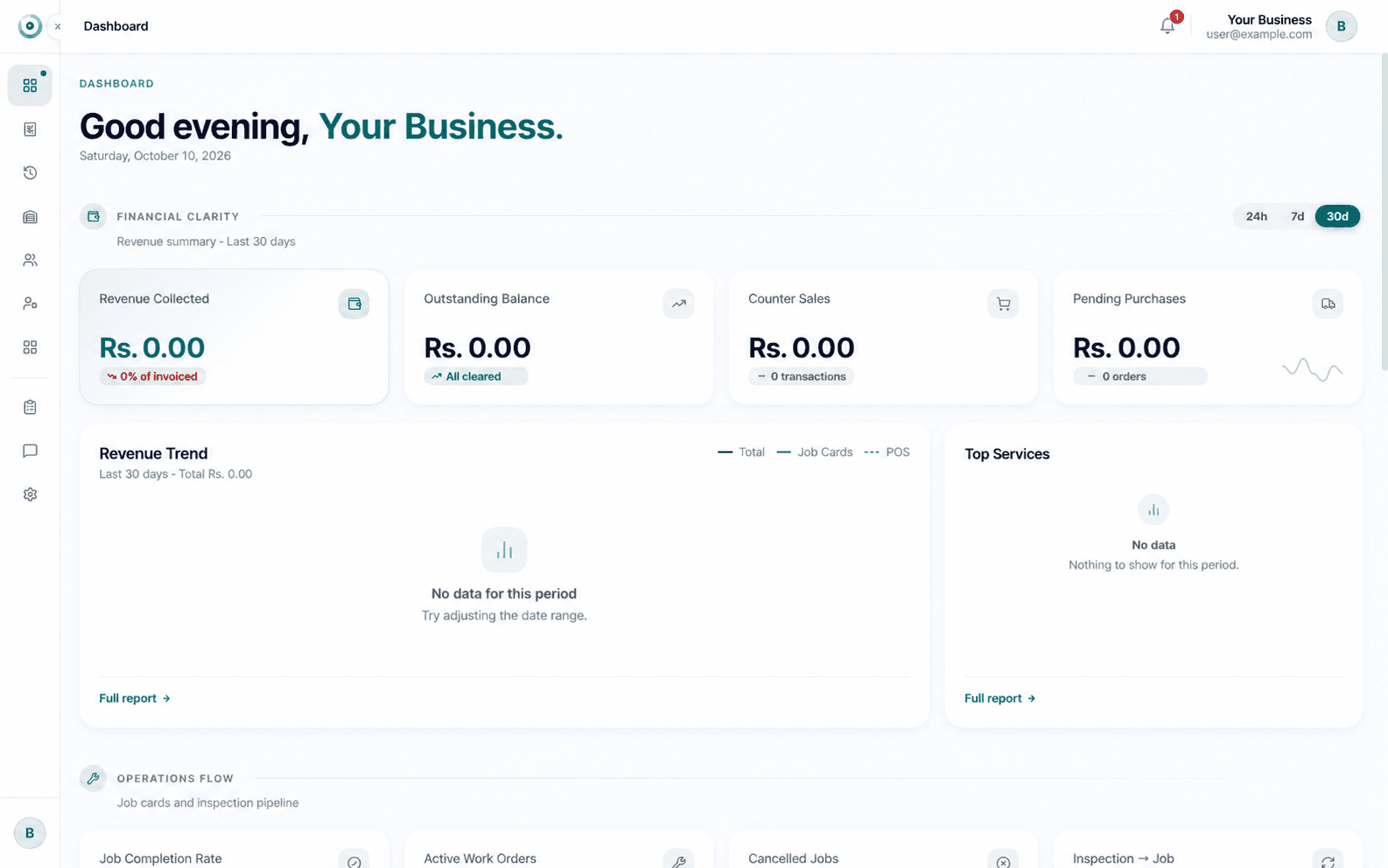
From customer to job card
Keep each vehicle’s work connected.
A customer can have multiple vehicles, each with its own profile. Follow service, spare-part, and payment history alongside the customer’s sales and payments.
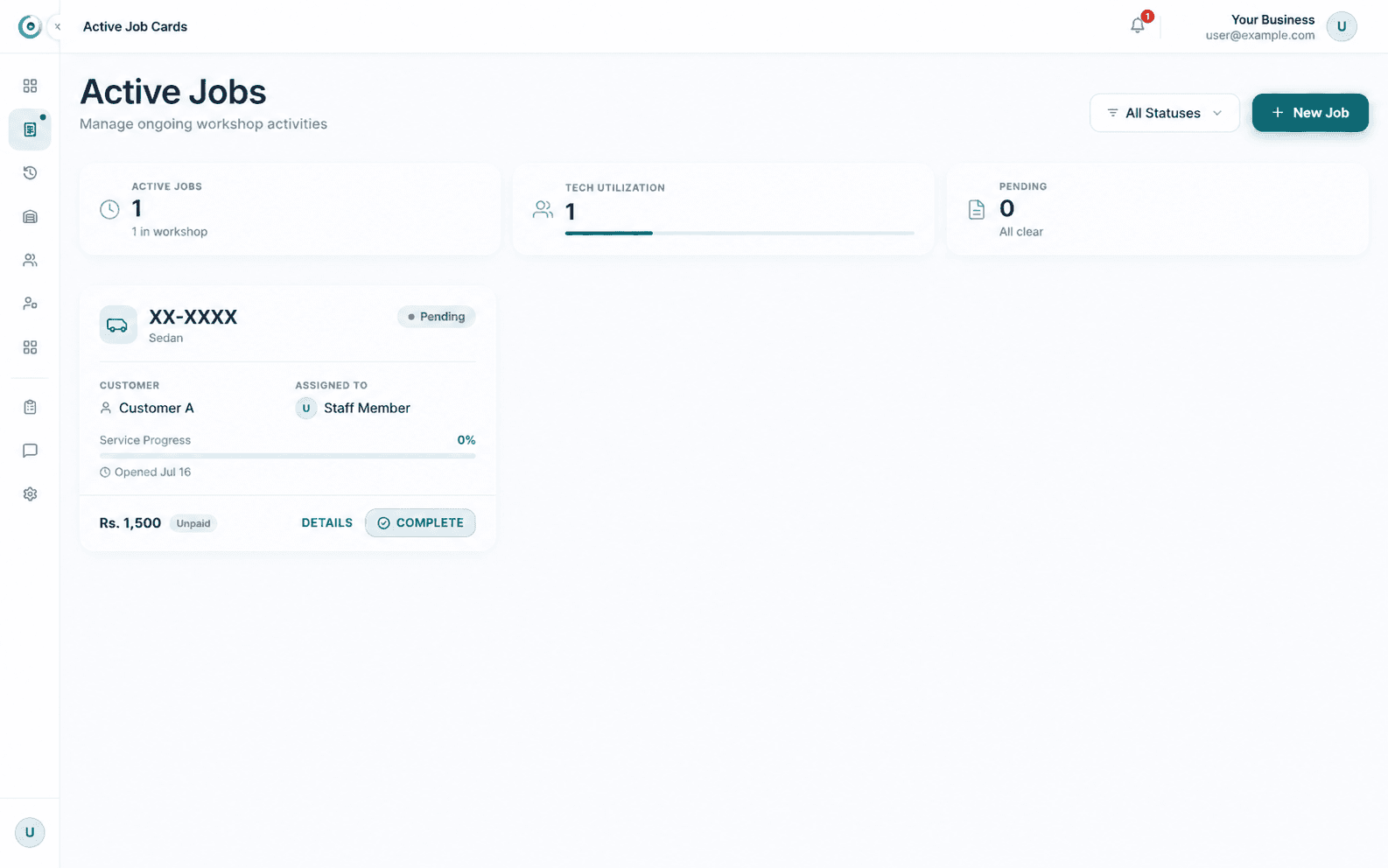
Jobs, services, and people in one flow.
Manage service jobs and shifts, assign mechanics, then review a mechanic’s service history from their profile.
- Job cards and service management
- Mechanic assignments and history
- Shift and staff management
- Salary and advance tracking
- Billing and barcode printing
- Reports and promotion messages
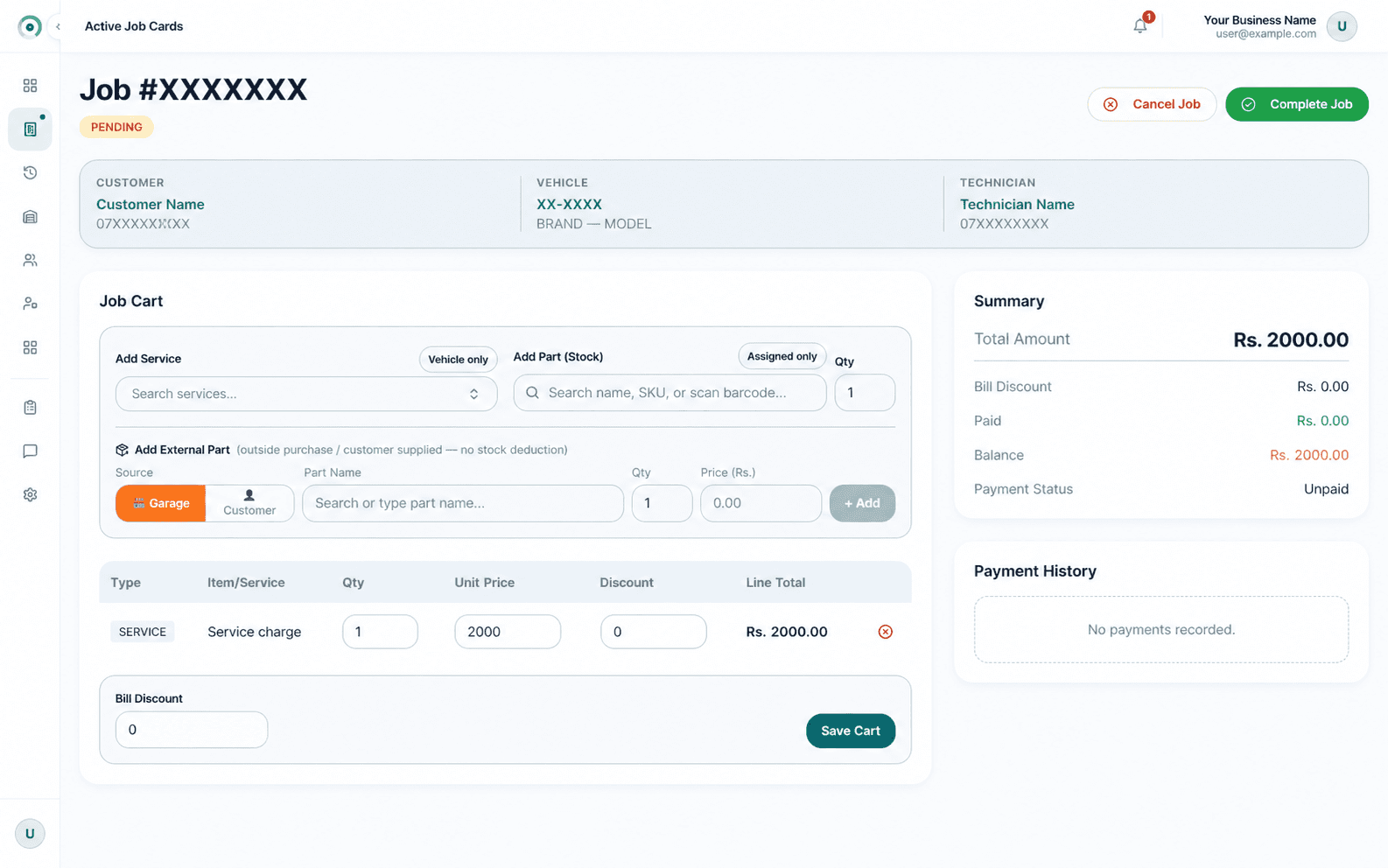
Spare parts by vehicle
Find parts that fit the vehicle.
Link spare parts with vehicle models, then filter the parts list by model. It helps a cashier or service team find likely-fit parts without relying on one person to remember every match.
Customer and vehicle profiles keep the job, service, parts, and payment records together.
Inside ZenSys GMS
Three views of the garage workflow.
For garage owners and service managers
See a garage workflow in ZenSys GMS.
Tell us how your garage works and we’ll arrange a walkthrough.